Efficient Workflow
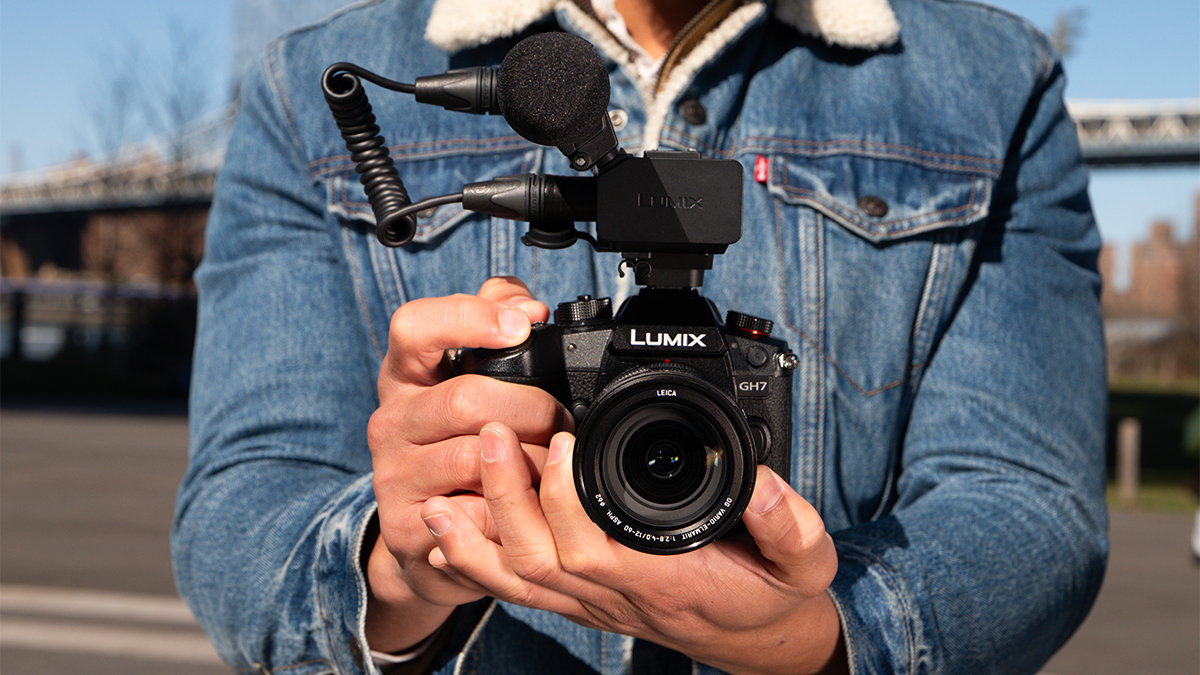
Streamlined Workflow
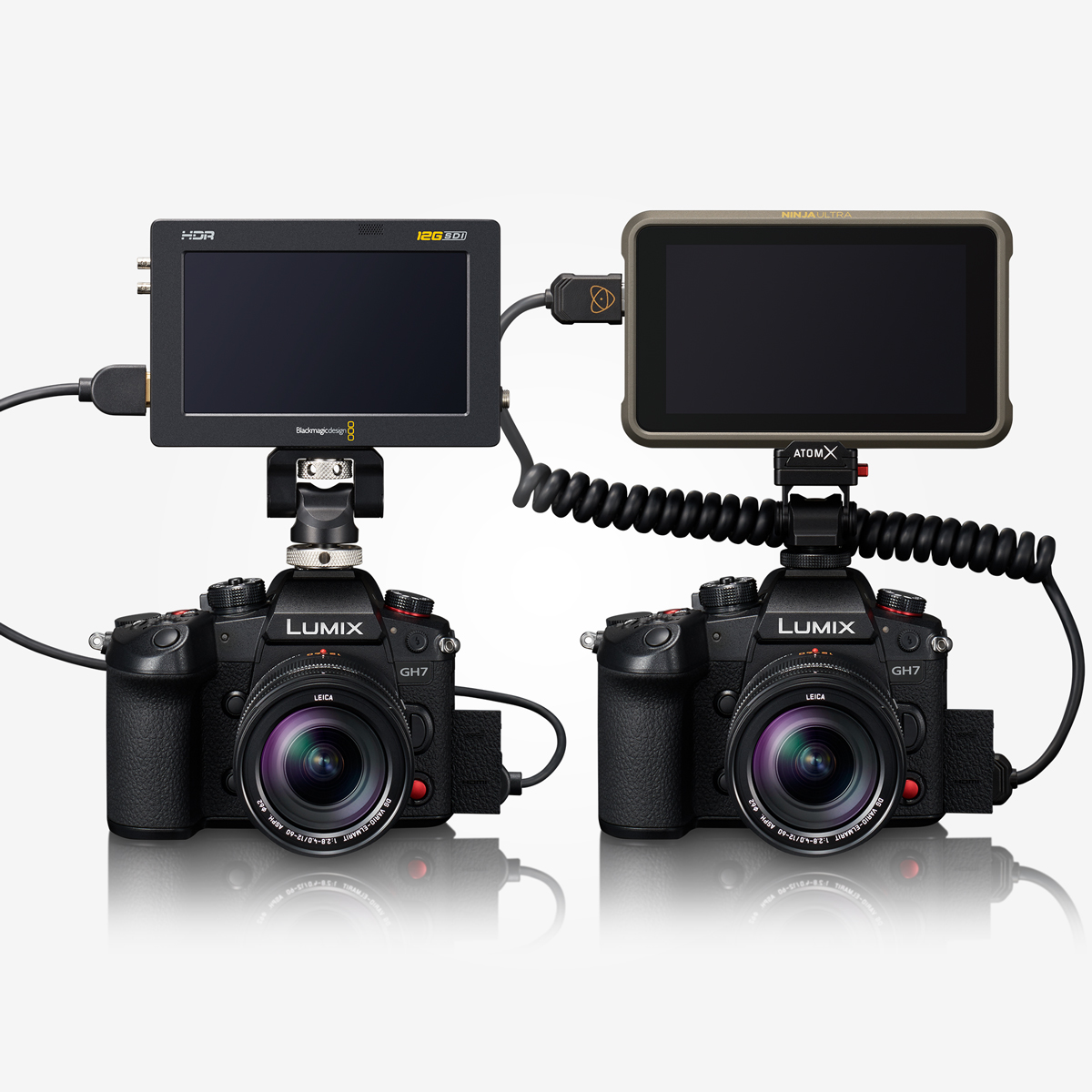
*Blackmagic Video Assist 5" 12G HDR, Blackmagic Video Assist 7" 12G HDR ・DaVinci Resolve or DaVinci Resolve Studio is required to play back and DaVinci Resolve Studio to edit Blackmagic RAW data. ・Please refer to the Blackmagic Design website for the information on the corresponding firmware version of Blackmagic Video Assist 5" 12G HDR and Blackmagic Video Assist 7" 12G HDR. ・All functions may not be available depending on the situation. ・When recording in C4K 120p/100p or 5.7K 60p/50p, constant bitrate 5:1 or less is recommended for SSD recording and 8:1 or less for SD card recording.
*ATOMOS devices "Ninja V" / "Ninja V+" / "Ninja" / "Ninja Ultra" / "Shogun" / "Shogun Ultra" / "Shogun Connect" ・All functions may not be available depending on the situation. ・Please check here for compatible firmware versions of external recorders. https://panasonic.jp/support/global/cs/dsc/connect/index.html ・"Ninja V" "Ninja" "Shogun" does not support some RAW video data. ・Software that supports Apple ProRes RAW is required to edit RAW video recorded. ・A LUT (Lookup table) exclusively designed for RAW video is available on the following customer support website to make the same color grading as V-Log/V-Gamut. https://panasonic.jp/support/global/cs/dsc/download/lut/s1h_raw_lut/