LUMIX Lab

Effortlessly simple and speedy!
Edit the way you like, enjoy sharing more!
A smartphone app that lets you edit the color tones of photos and videos to your preference.
You can use it without a camera, and connecting with a LUMIX camera makes shooting even more convenient and enjoyable.
Compatible with LUMIX: DC-S1M2, DC-S1M2ES, DC-S1RM2, DC-S5M2, DC-S5M2X, DC-S9, DC-GH7, DC-G9M2, DC-L10
App download

IOS

Android


 What's new
20th May. 2026
LUMIX Lab Ver.3.0.0 released (iOS/Android)
• Added RAW editing support for LUMIX Lab compatible cameras.
• Added wired connection support.*
• Enabled in-app editing of My Photo Styles.*
• Added S&Q (Slow & Quick) video editing.
• LUTs can be created with additional parameters.
• Updated the app UI.
• Enabled firmware updates via the app. (requires the latest firmware as of May 2026).
*L10 and S9 (Ver.2.0) only
Please check here for the supported features by model.
What is LUMIX Lab

App alone
Edit photos and videos on your smartphone to your preferred color tones. AI-powered automatic LUT generation and approx. 200 types of LUTs created by creators worldwide are all available for free.
What is a LUT↓

With LUMIX cameras
Transfer LUTs to the camera and shoot while previewing the final color tones—no post-editing required. High- speed transfer of photos and videos to your smartphone, remote shooting, and live streaming can all be controlled from your smartphone.
Feature List
Here is an overview of LUMIX Lab’s features. Click on a feature you are interested in to jump to a detailed description.
LUT-related Features | ||
|---|---|---|
What is LUT | A color filter-like tool that changes the color tones of photos and videos | |
Create and Save LUTs | Features a wide variety of color adjustment options to create your own original LUT | |
Magic LUT | AI automatically generates a LUT from your favorite photo | |
Creator LUTs | Download approx. 200 types of LUTs designed by creators worldwide | |
REAL TIME LUT | Transfer LUTs to the camera and shoot with your favorite colors. | |
Editing Features | ||
|---|---|---|
RAW Editing | Edit and export RAW files | |
S&Q (Slow & Quick) Video Creation | Easily adjust video speed | |
Photo Frame | Add your preferred frame to photos | |
Camera Integration Features | ||
|---|---|---|
Transfer Photos and Videos | Easy and high-speed transfer from camera to smartphone | |
Remote Shooting | Remotely control your camera with your smartphone to shoot | |
Live Streaming | Stream to any video sharing site | |
Firmware Update | Update your camera firmware via smartphone | |
What is a LUT?
A LUT (Look Up Table) is like a color filter that numerically changes the color tones of photos and videos.
Like a “color recipe,” once you create a LUT and save it, you can apply the same color tones to other photos and videos with a single tap.

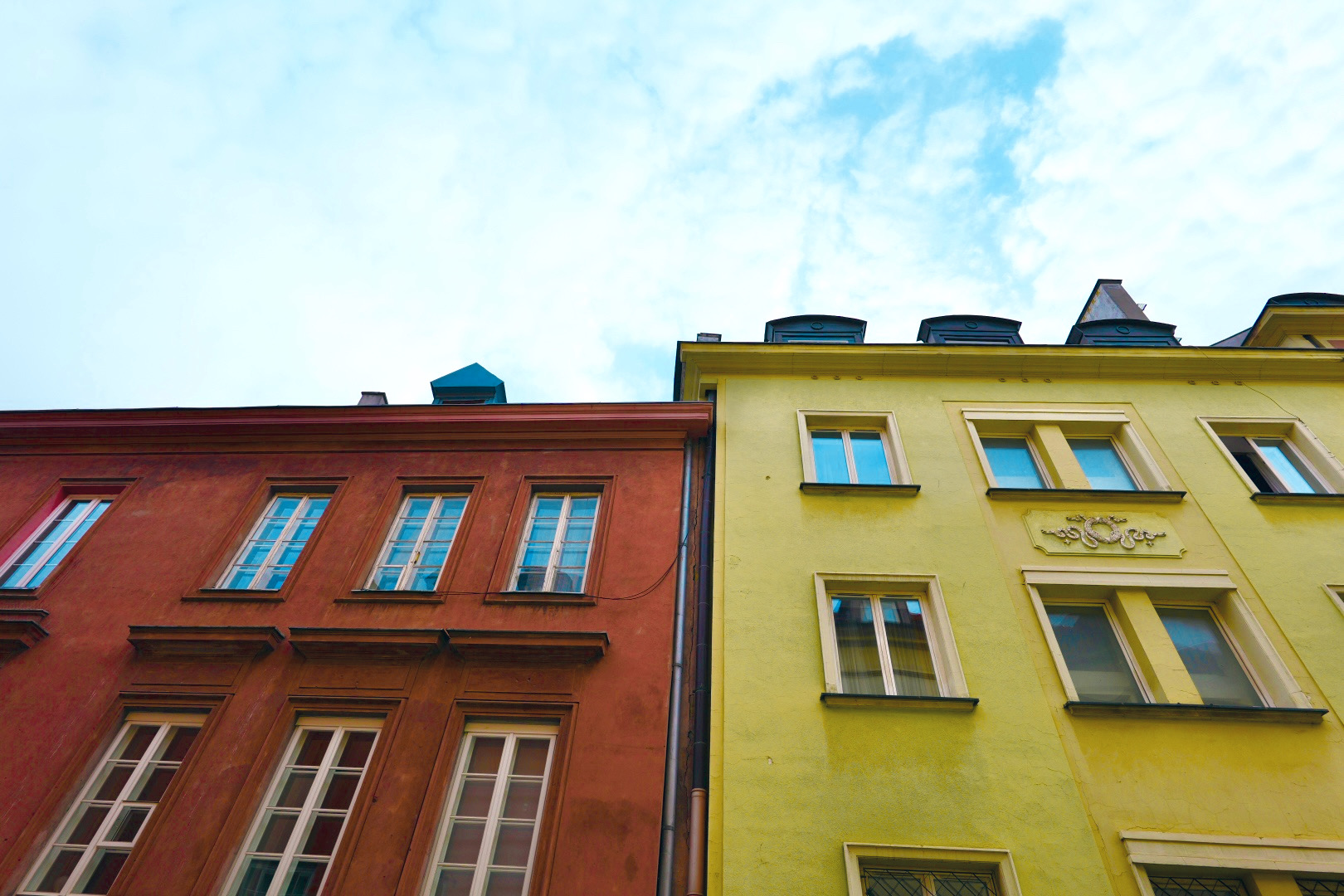
Before applying LUT
S5II, S 24 / 24mm, 500sec, f7. 1, ISO400

After applying LUT
S5II, S 24 / 24mm, 500sec, f7. 1, ISO400
Benefits of Using LUTs
Gallery
S9, S 18-40 / 18mm, 1/125sec, F7.1, ISO100

LUMIX L10 / 75mm (35mm equivalent), 1/250sec, F4.0, ISO100, Bono Sayaka

S5IIX, S 14-28 / 14mm, 1/160sec, F4.0, ISO100
Create and Save LUTs


Magic LUT

Creator LUTs

REAL TIME LUT

RAW Editing

S&Q (Slow & Quick) Video Creation

Photo Frame

Transfer Photos and Videos
Remote Shooting
Live Streaming
Firmware Update
Tutorial - How to use LUMIX Lab
Connecting Your Camera to LUMIX Lab / Photo and Video Transfer
Editing / Creating LUTs
Magic LUT
Downloading Creator LUTs
Transferring LUTs to the Camera and Shooting
Photo Frame Feature
Remote Shooting
Live Streaming
RAW Editing
S&Q (Slow & Quick) Video Creation
Click here for FAQs

App download
IOS
Android
Other LUMIX apps

IOS

Android