

How to Use Panasonic Comfort Cloud App Features
1.0 Home Screen's Features

 : Auto
  :Cool
:Cool  :Heat
:Heat  :Fan
:Fan  : Dry
: Dry  : iAUTO-X
  : Inside Clean
Turn the device ON / OFF
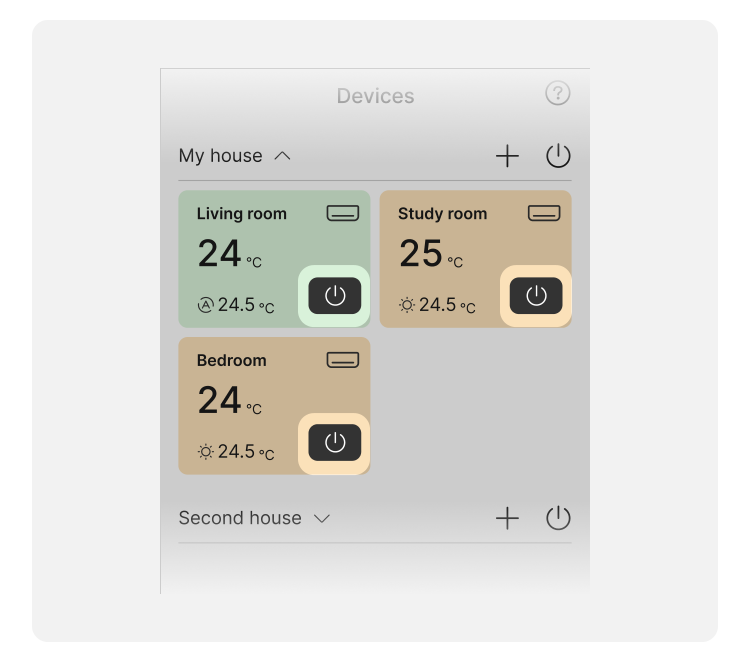
You can turn power ON / OFF by pressing the power button of the corresponding device.
*Some models are not supported.
Turn multiple devices ON / OFF at once
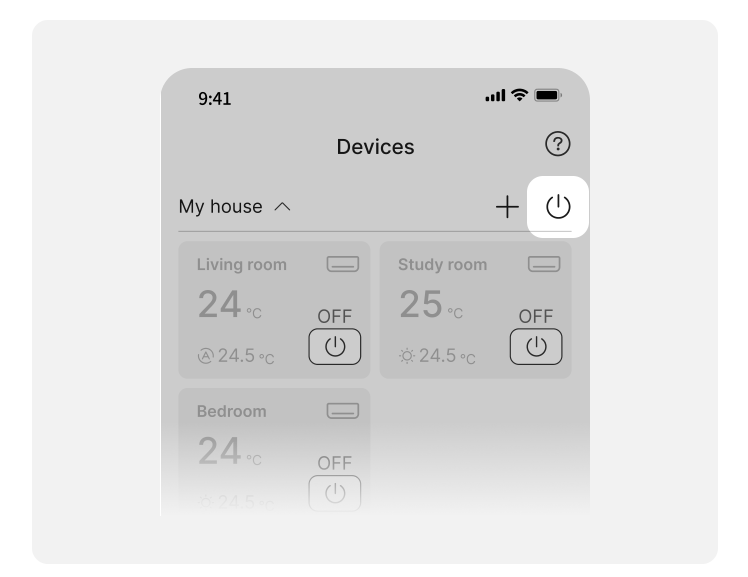
To turn all devices registered in the same group ON or OFF at once, press the power button in the upper right corner.
*Some models are not supported.
Add new device

By pressing the + button in the group, you can add a new device.
Function switching

2.0 Air Conditioner's Features

Setting the operation mode

Press the icon to change the operation mode.
*The available features may vary depending on the region and model.
Setting airflow and direction

Press the icon to change the fan speed and airflow direction.
*The available airflow settings may differ depending on the model.
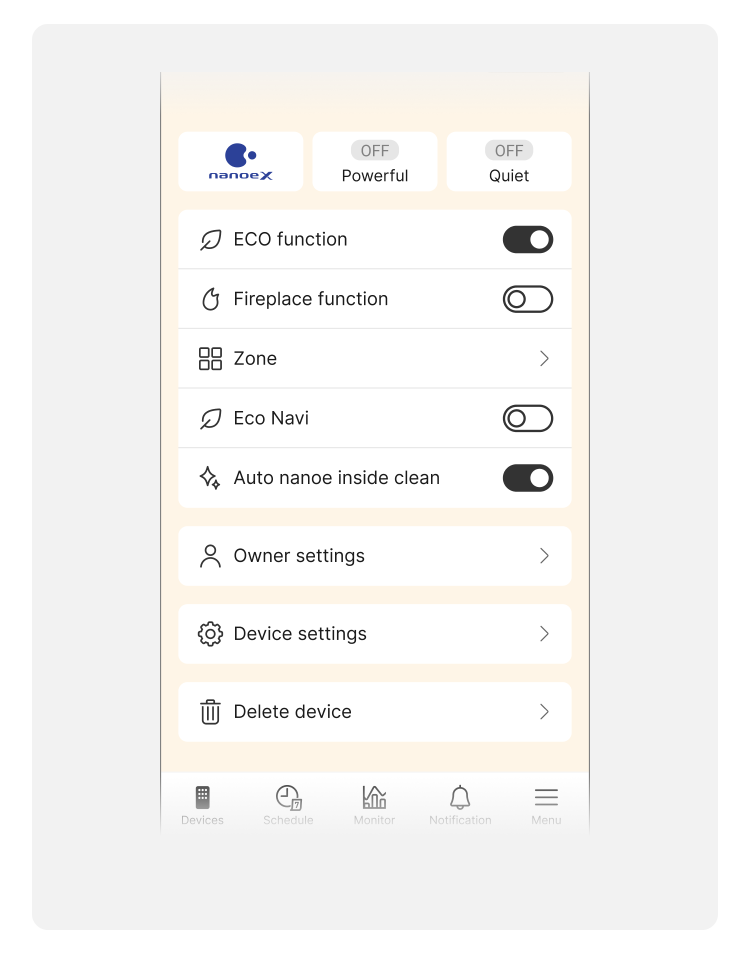
Optional settings
3.0 Air to Water Heatpump's Features

a. Outdoor temperature
b. Zone name
c. Indoor temperature
d. Tank temperature
e. Energy consumption and electricity cost monitor
f. Operation status of the heatpump *¹
g. Connection status with the boiler
h. Tank water pressure status *²
i. Comfort operation *³
j. Eco operation *⁴
k. Operation mode and set temperature for zone
l. Power ON/OFF
m. Set temperature for tank
n. Set up schedule
*1  : In heatpump operation
  : In defrost operation
*2  : Water pressure is sufficient
  : Water pressure is too low
*3 A function to preset the room temperature for each cooling and heating zone, as well as to adjust the hot water temperature to enhance comfort.
*4 A function to preset the room temperature for each cooling and heating zone, as well as to adjust the hot water temperature to reduce energy consumption.
The available features may vary depending on the region and model.

o. Operation mode change
p. Zone name
q. Indoor temperature
r. Set temperature
s. Set temperature change
