

Setup Schedule
The Panasonic Comfort Cloud App's Schedule feature allows you to schedule your device's operating mode, and it will automatically activate based on your selected day of the week and time. Integrate this scheduling into your daily routine to achieve better comfort and efficiency.
Table of Content
1.0 Setup Weekly Schedule Manually (Air Conditioner)
1.1 Setup Weekly Schedule with Favorite Timer (Air Conditioner)
1.2 Setup Single-Use Off Timer (Air Conditioner)
2.0 Setup Weekly Schedule (Air to Water Heat Pump)
1.0 Setup Weekly Schedule Manually (Air Conditioner)
Step 1
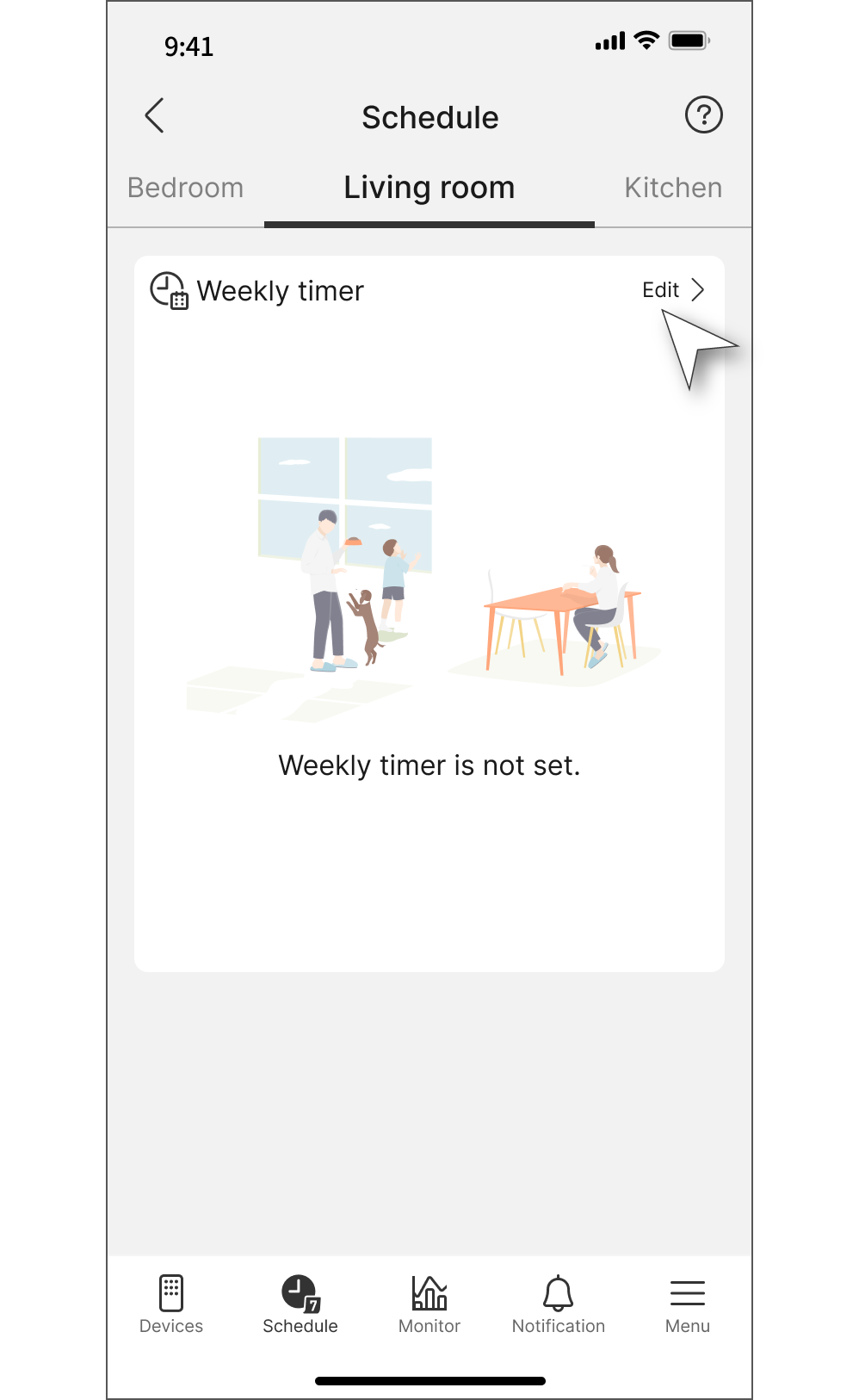
Tap "Schedule" tab.

Step 2
Tap “Edit”.
Step 3
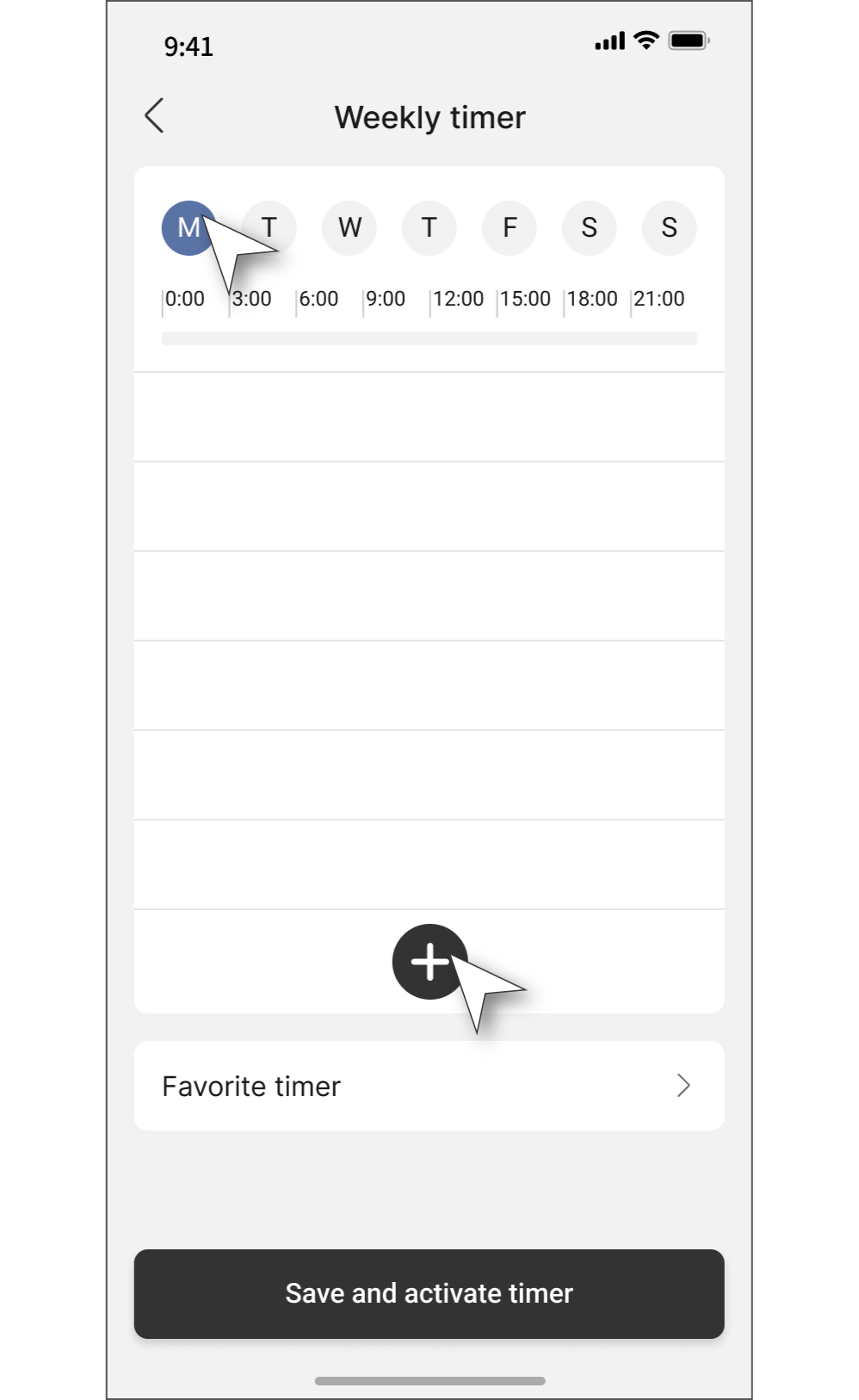
Select the day of the week you want to set the timer for, then tap the “+” button.
You can also copy the timer to a different day of the week later, using the same time slot.
Step 4
After completing all below settings, tap “OK”.
a. The day(s) to set the same schedule (multiple selections allowed).
b. Set the start and end time for air conditioner control.
c. Power setting: Turn ON to start operation, and OFF to stop.
d. Operation settings
・Temperature
・Operation mode
・Fan speed
・Wind direction
e. Additional features
・nanoe: ON / OFF
・Powerful mode: ON / OFF
・Quiet mode: ON / OFF
・ECO mode: ON / OFF

Step 5
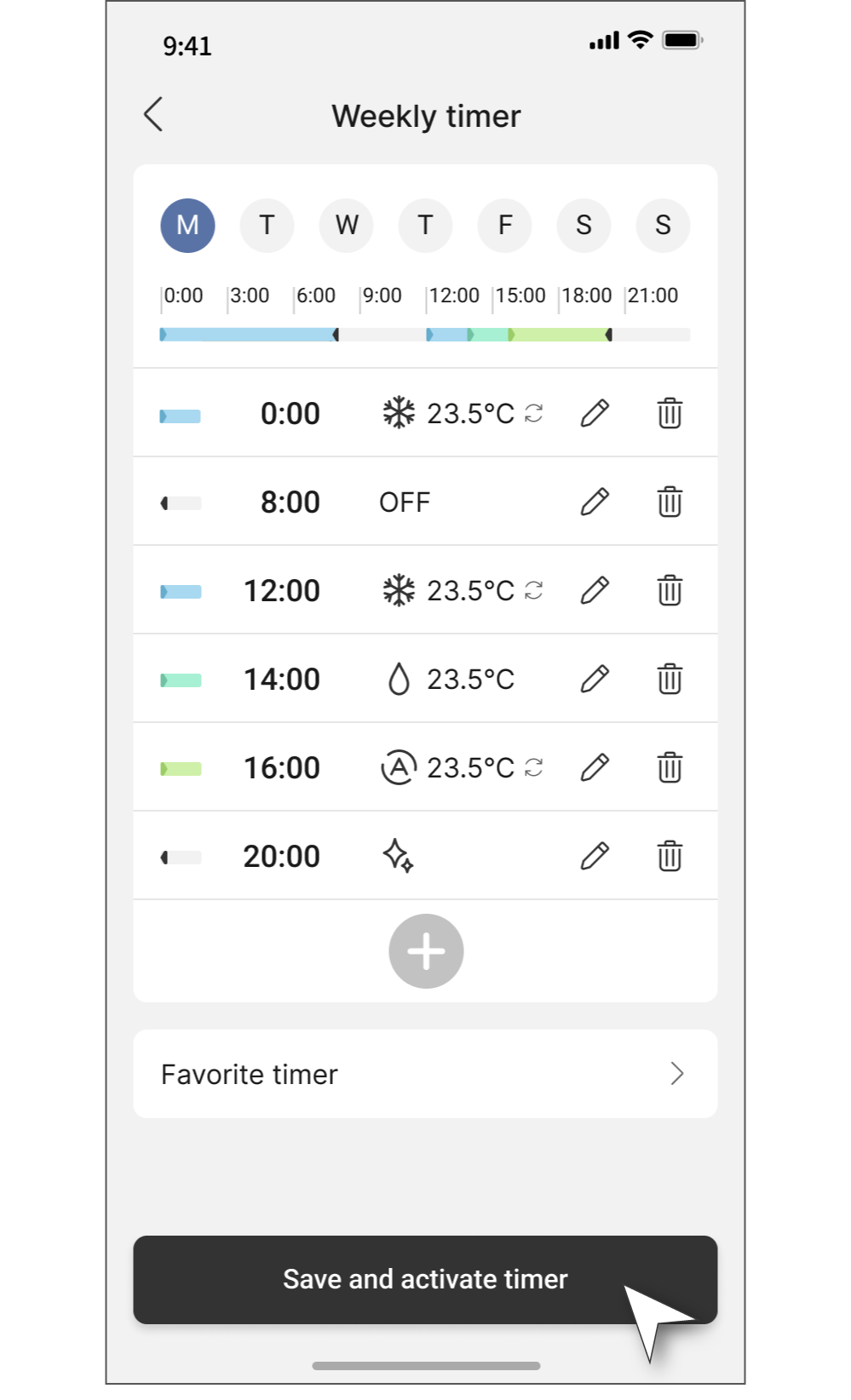
You can set up to six timers for each day of the week.
Once the setup is complete, please press “Save and activate timer".
1.1 Setup Weekly Schedule with Favorite Timer (Air Conditioner)
You can save your weekly timer settings as a 'Favorite timer' to easily reuse them whenever needed.
Step 1
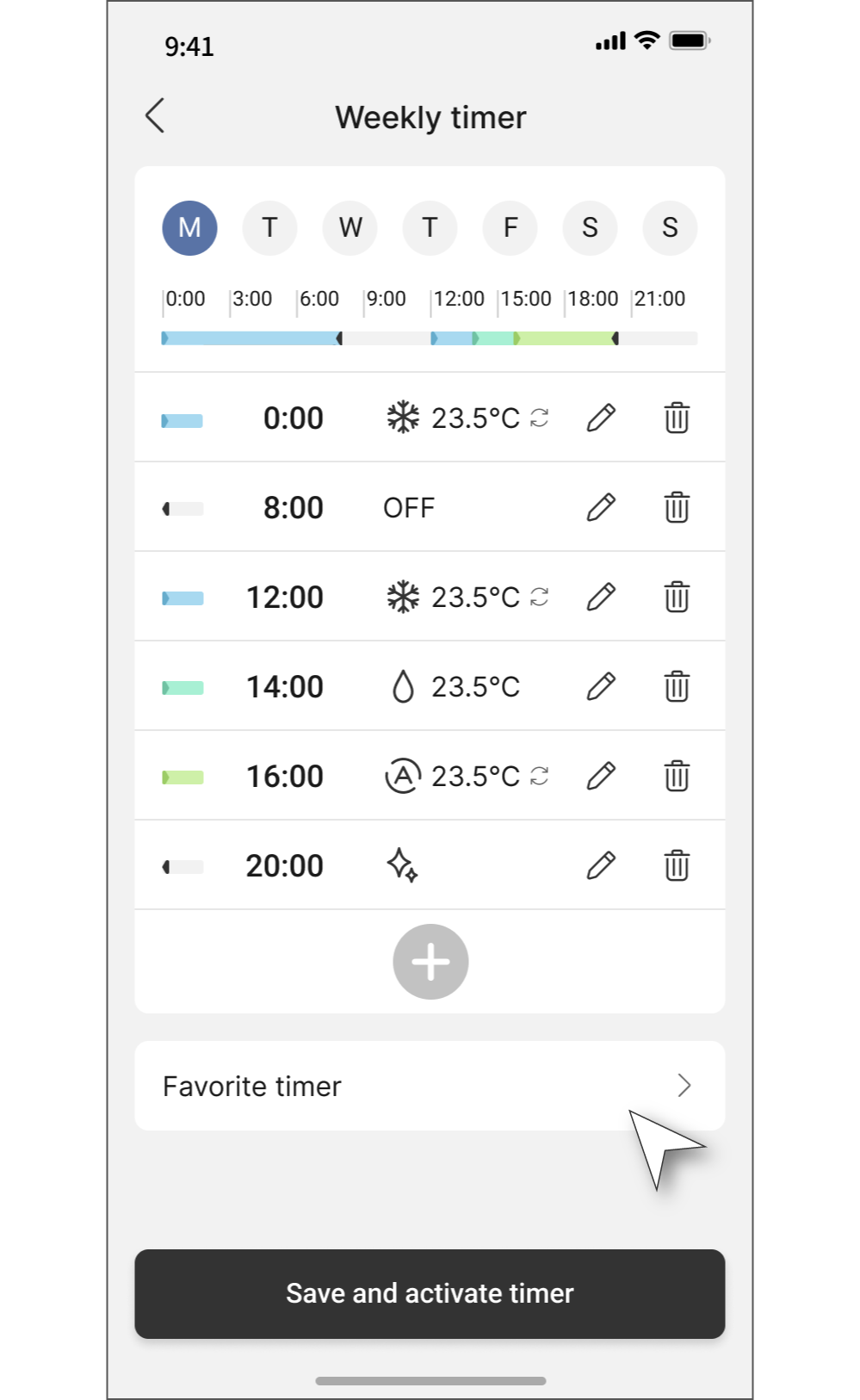
Open the timer setting you want to save, then tap the “Favorite Timer”.
Step 2
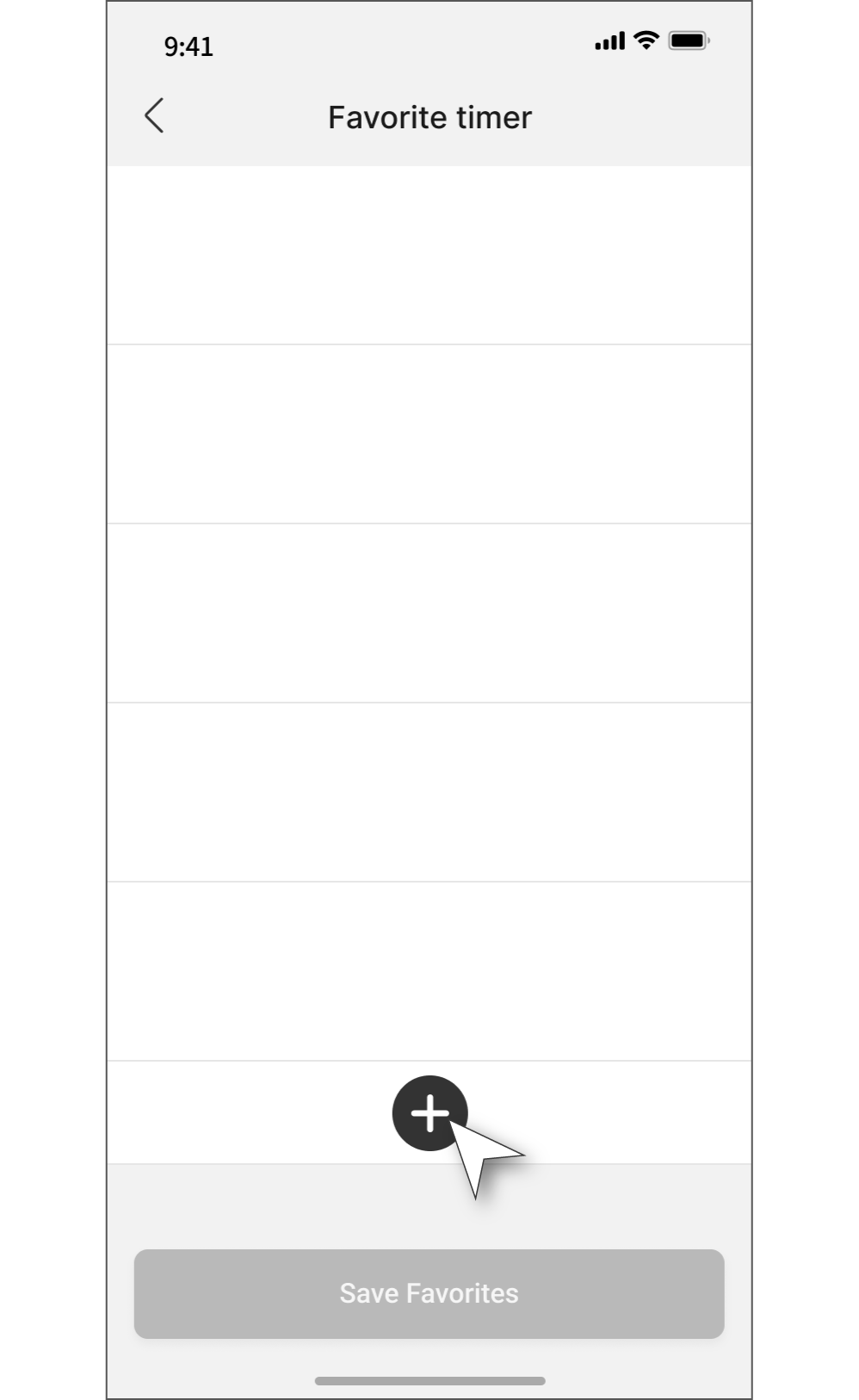
Tap “+”.
Step 3
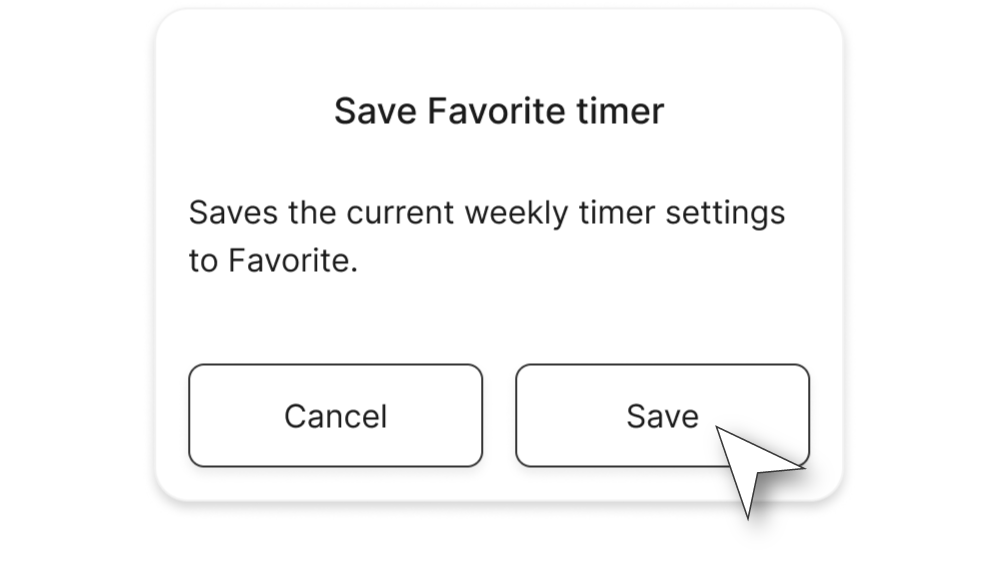
Tap “Save”.
Step 4
Enter a name for the timer and tap “Save Favorites”.

Step 5
You can register up to five favorite timers.
If you want to apply the favorite setting to the weekly timer, tap “Apply to the weekly timer” button.

Step 6
Tap “OK”.

1.2 Setup Single-Use Off Timer (Air Conditioner)
Step 1
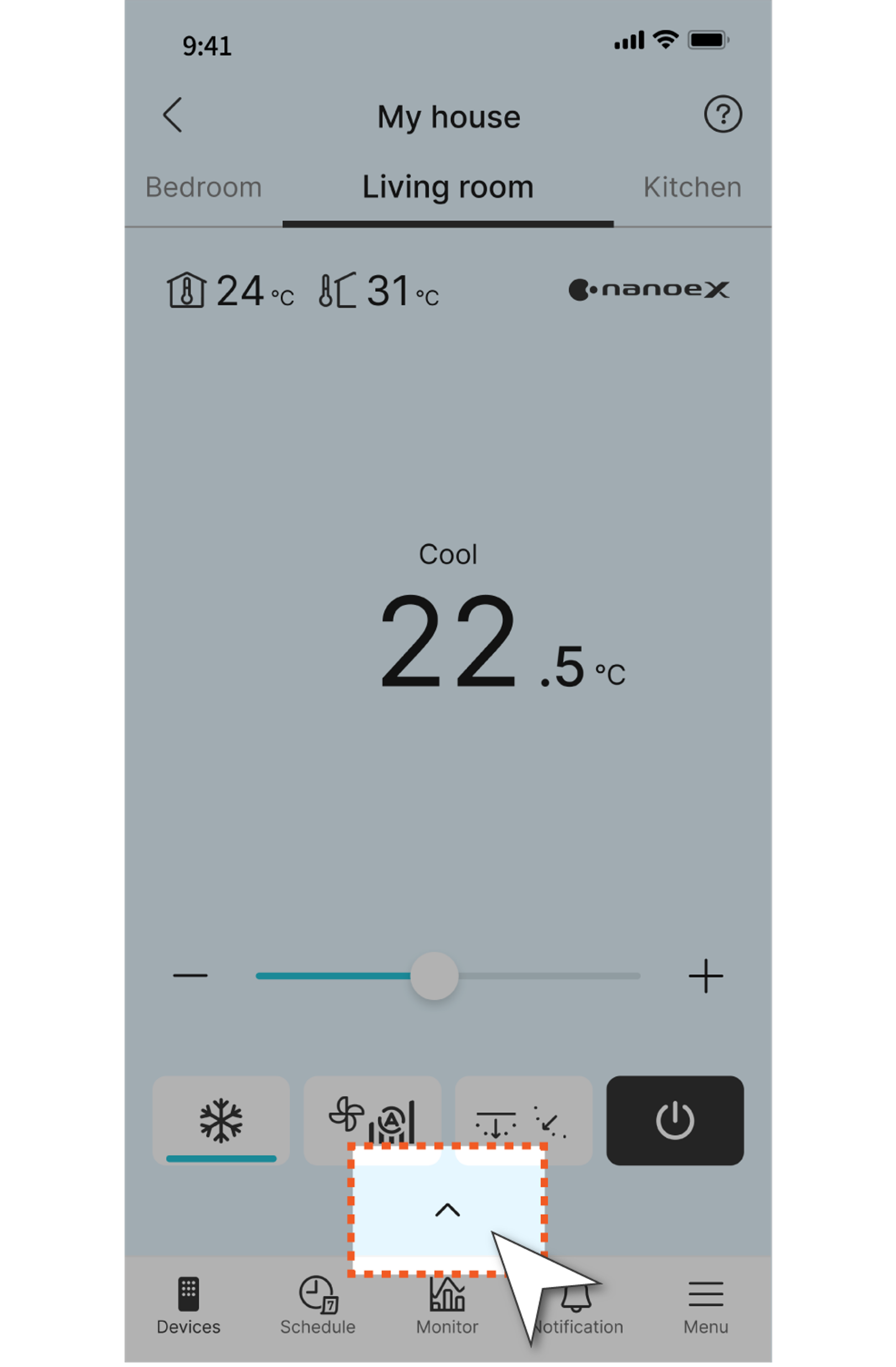
Tap the arrow at the bottom of the screen.
Step 2
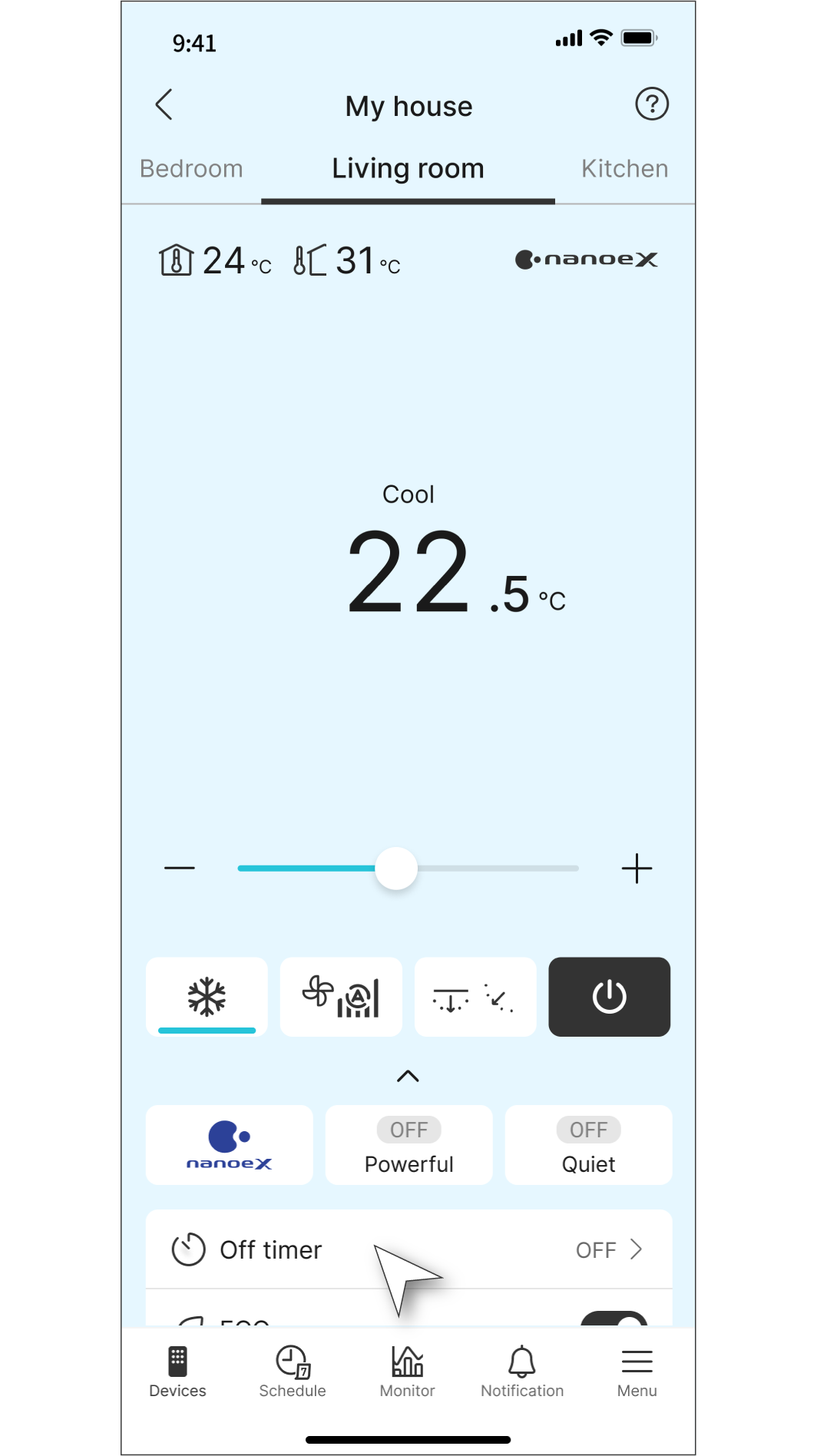
Choose ”Off timer”.
Step 3
Select how many hours/minutes later to turn off the air conditioner, then tap “Start”.



2.0 Setup Weekly Schedule (Air to Water Heat Pump)
Step 1
Tap "Weekly timer" tab.

Step 2
Toggle on "Weekly timer" button and tap "Edit weekly timer".

Step 3
Select the day of the week you would like to set the timer for, and then tap the "+" button.

Step 4
Scroll up or down to select your preferred time and tap "Next".

Step 5
Select the operating mode and tap the zone for which you would like to change the temperature setting.

Step 6
Select the desired set temperature and tap "Done".

Step 7
Once all settings are complete, tap "Set".

Step 8
To copy the schedule to other days of the week, tap the "Copy" button.
Then, tap “Save and activate timer”.
