
 TH-L50ET60K
Smart TV with 3D made easy
A triple-feature model with high picture quality, wide-ranging functions, and a narrow frame.

TH-L50ET60K



Features
my Home Screen
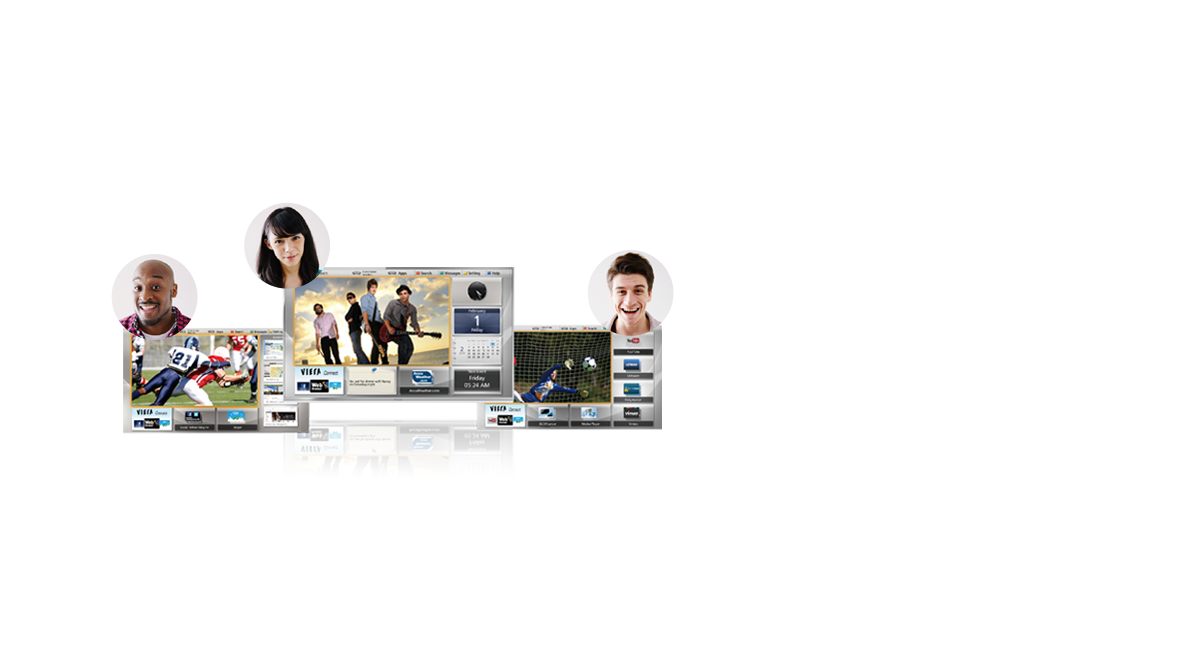
TV Begins with Your Own Personal Screen
The portal screen menu leads you to a wide variety of
content in addition to TV, including internet videos and
photos. You have complete access to it all as soon as
you turn on the TV
Voice Guidance
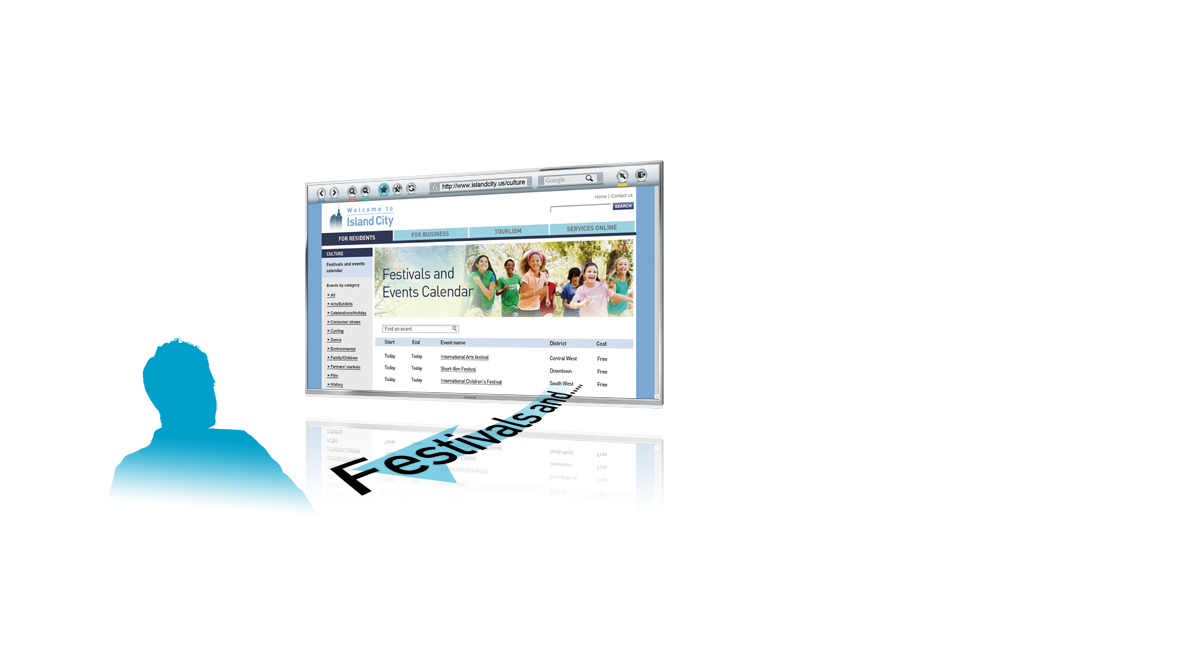
A Variety of Content Can Be Verbally Read to You
The content shown on websites, SNS messages, etc., and
the information displayed when changing channels or
video input signals are verbally read out. Operating guides
can also be read out
*Malaysia models support English and Mandarin language only.
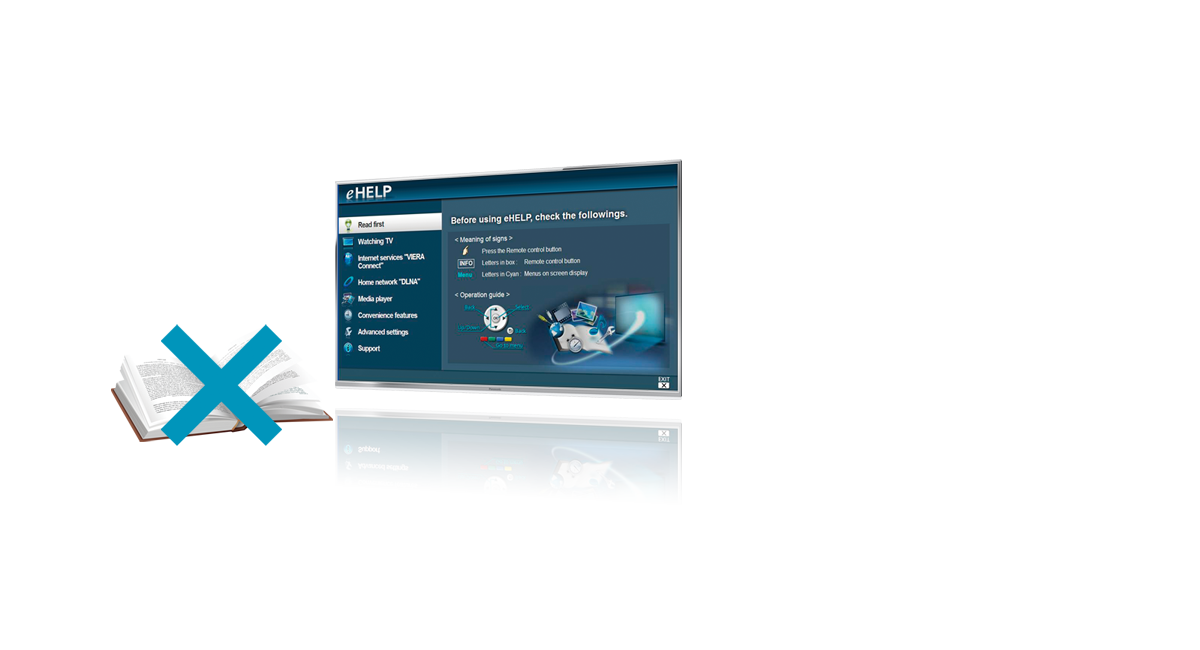
eHELP
User's Manual Insid
A single touch is all it takes to access this built-in help
function. Activate eHELP from
the HELP button for instant and easy navigation


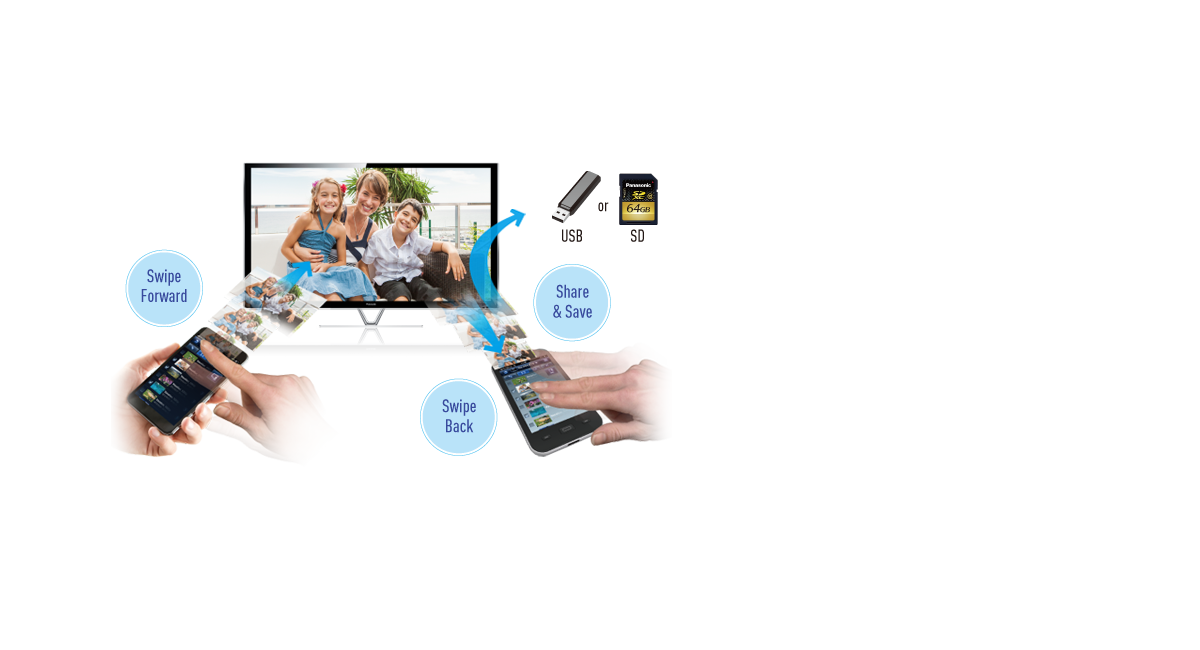
Swipe & Share 2.0
One Finger for Sharing, Two Fingers
for Savin
By linking a smartphone or tablet device to the TV, you
can freely share content and achieve easy operation. Also,
private content and web pages can be played and saved
between the TV and a linked smartphone or tablet device
*Requires a wireless LAN connection.
*SD card support may vary depending on the mode
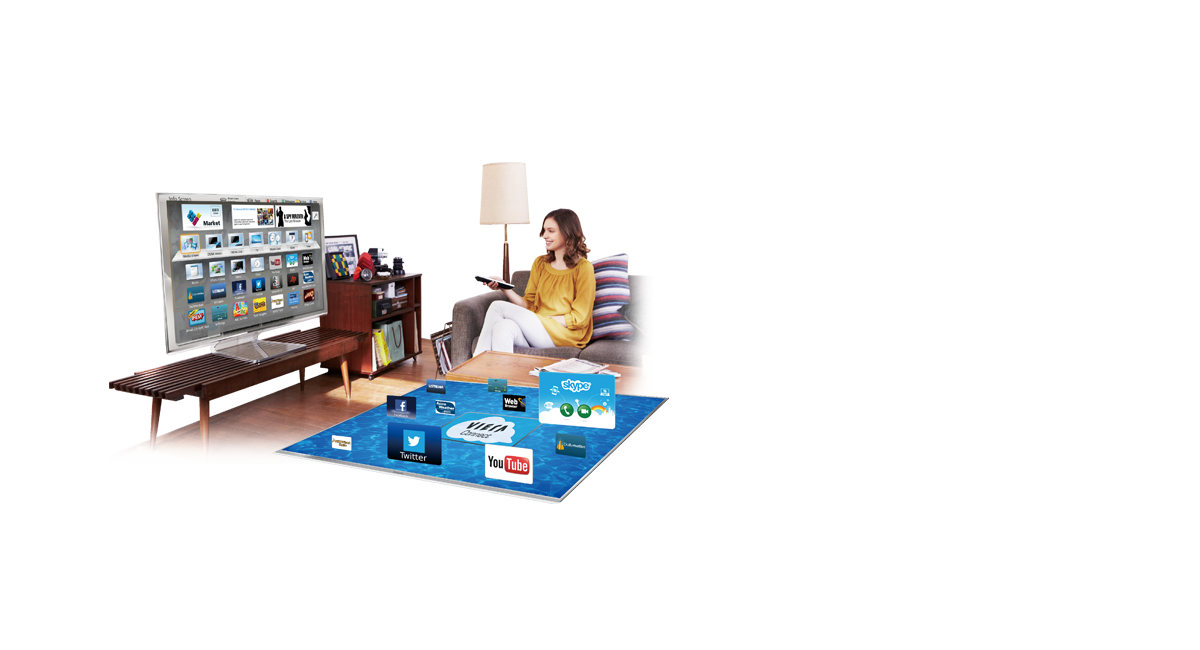
VIERA Connect
Cloud-Based Internet Service
VIERA Connect is an internet service for TVs based on
the use of cloud servers. It brings you video-on-demand
(VOD), catch-up TV, games, educational content, and lots
more, through a wide range of apps. It's a great way to
relax in your living room with family and friends.
*Requires broadband internet service.
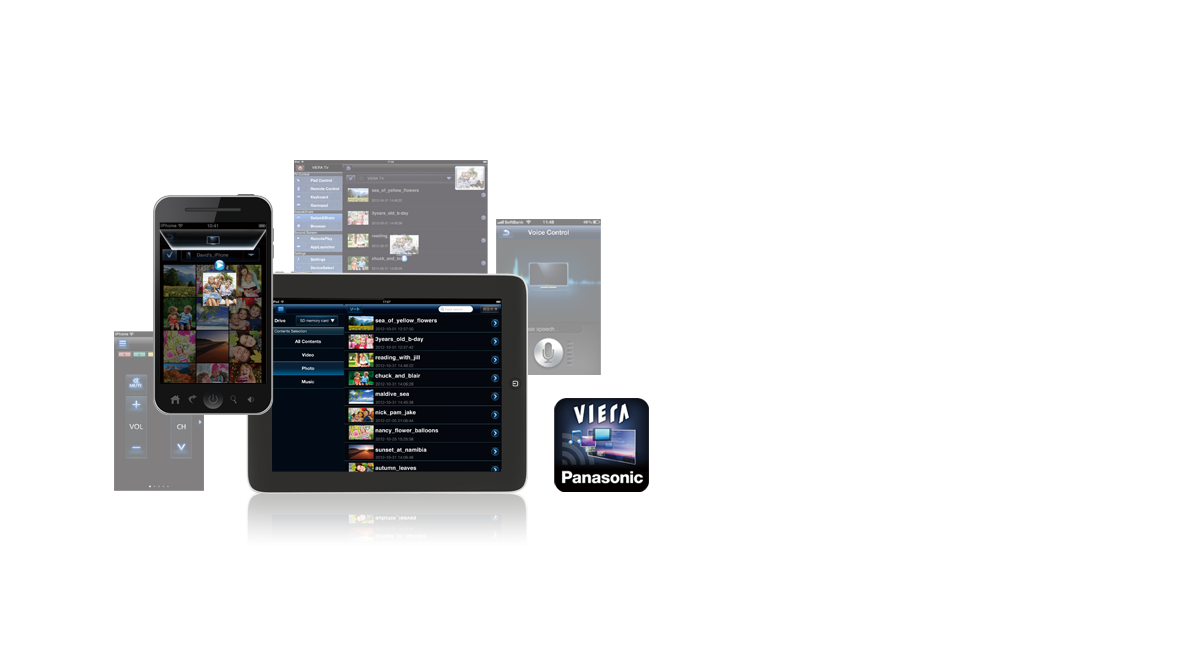
VIERA remote 2
New Way To Have TV Fun
VIERA remote 2 lets you use a smartphone or tablet device as a second screen for watching private centent. controlling the tv, and making settings. tap and flick-based commands are intuitive.
Download for iOS >
Download for Android >
*Requires iOS 5.0.1 or later, and Android 4.0 or later.
*Requires a wireless LAN connection.
*Screen designs are under development, and subject to change without notice.
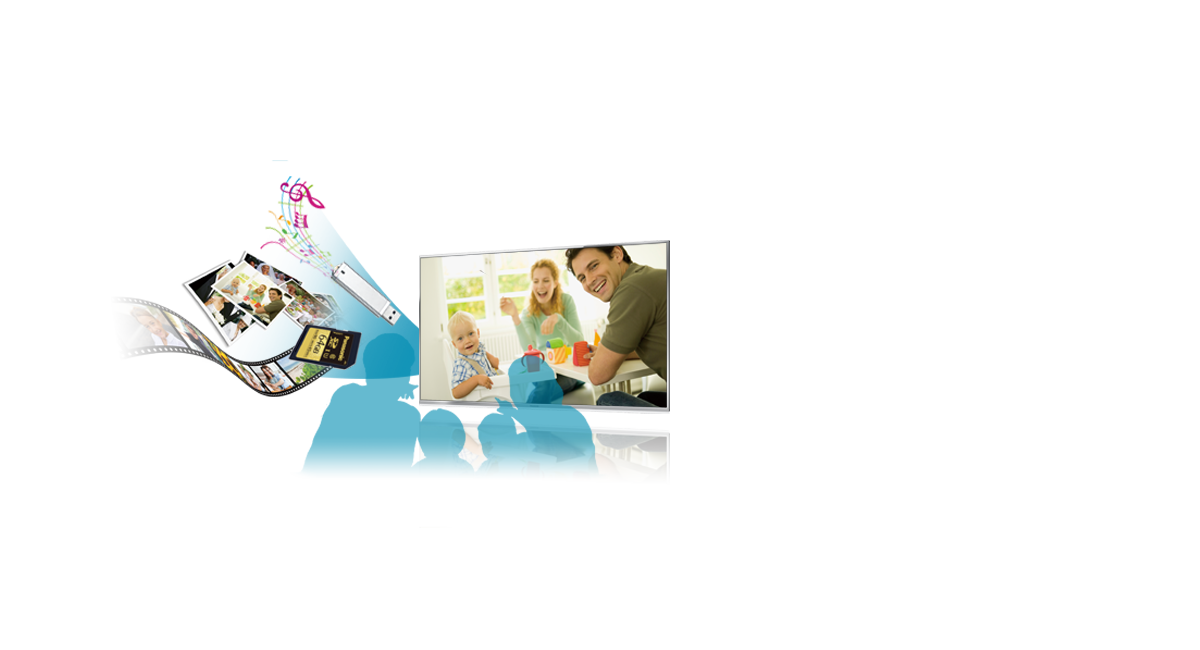
Media Player Compatible with RMVB Format
Play Various Types of Content Easil
Content stored in an SD card or USB memory stick can
easily be played on VIERA's large screen. Various
formats, including RMVB, MP3 and JPEG, are supported.
And a wealth of customisation functions let you
add background music and effects. In addition, even if the
TV is turned off or the user changes to a TV programme
while Media Player is playing, it will resume playing from
the point that was previously viewed.
*SD card support may vary depending on the model.
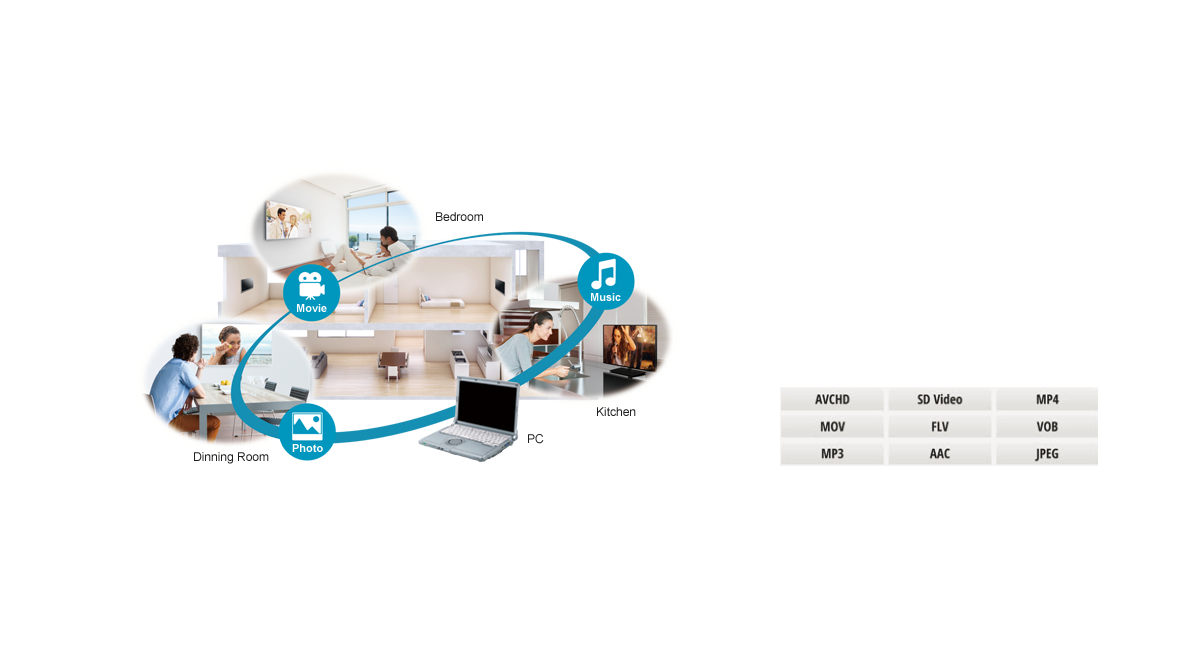
DLNA
Throughout the Home for Easy Sharing
A home network lets you share photos, videos, music
and other content in any room of the house. This new TV
style lets you play videos that are stored on a PC in the
den and watch them on a TV in the living room,
bedroom, or anywhere.
Compatible Format
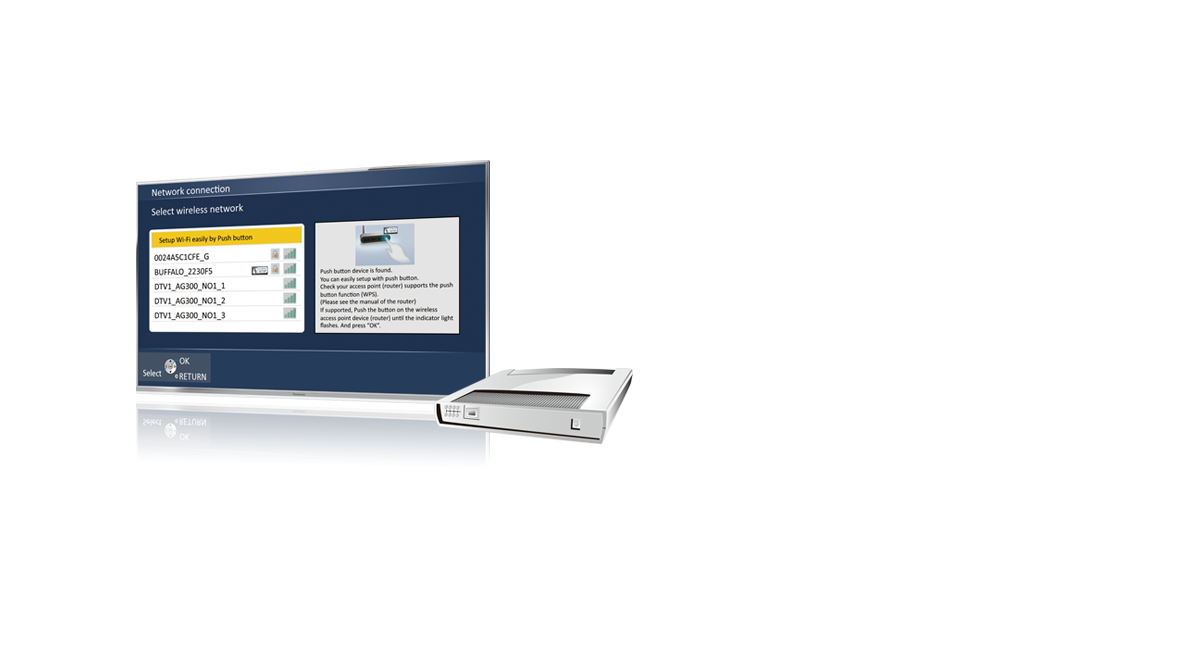
Wireless LAN Built-In / Easy Network Settings
Easy-to-Understand Network Settings
Automatically detects the networking method. And a large
number of graphics and photos simplify set-up. Just follow
the Guidance to make connection settings.
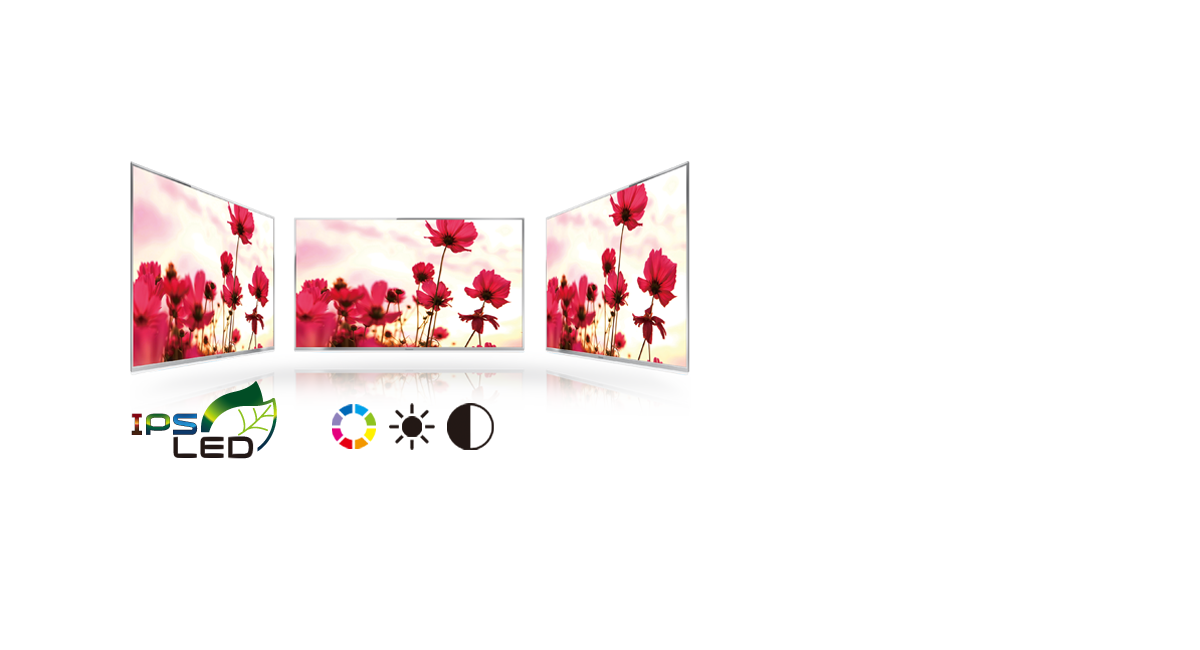
Wide Viewing Angle by IPS LED
Color, Brightness and Contrast
By combining the IPS Panel, with its great viewing
angle characteristics, beautiful images are reproduced
with high levels of brightness, color, and contrast even
when viewed from an angle.
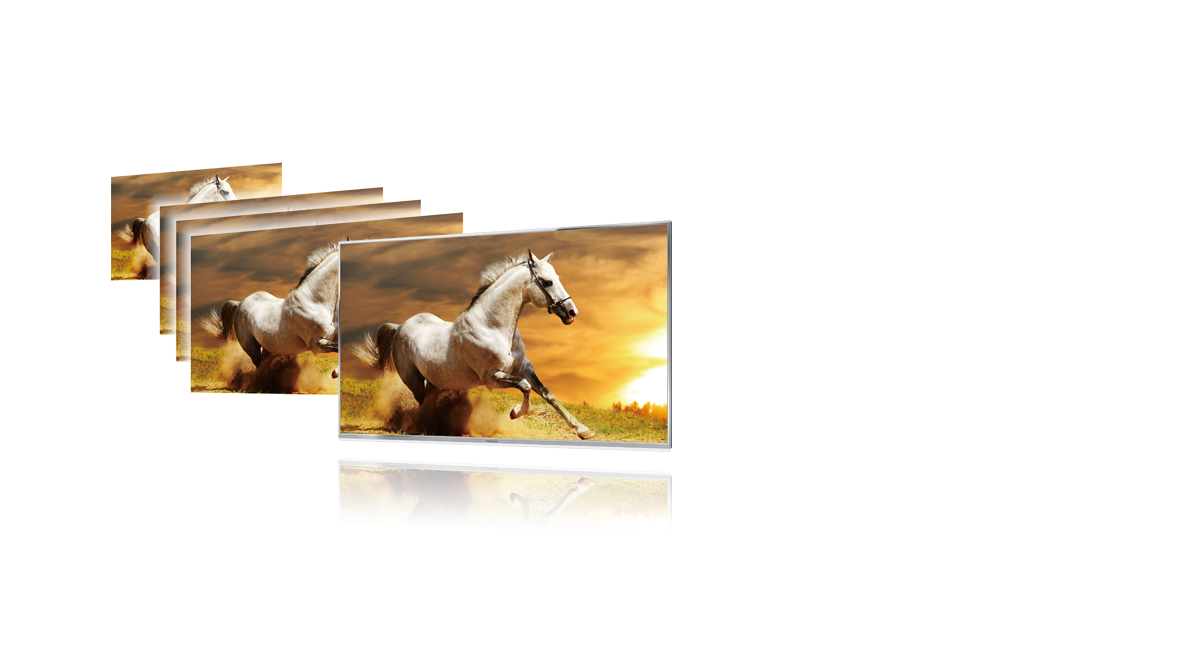
Backlight Scanning
Smooth Reproduction of Fast Motion
Highly precise frame generation and insertion create
smoothly flowing images.
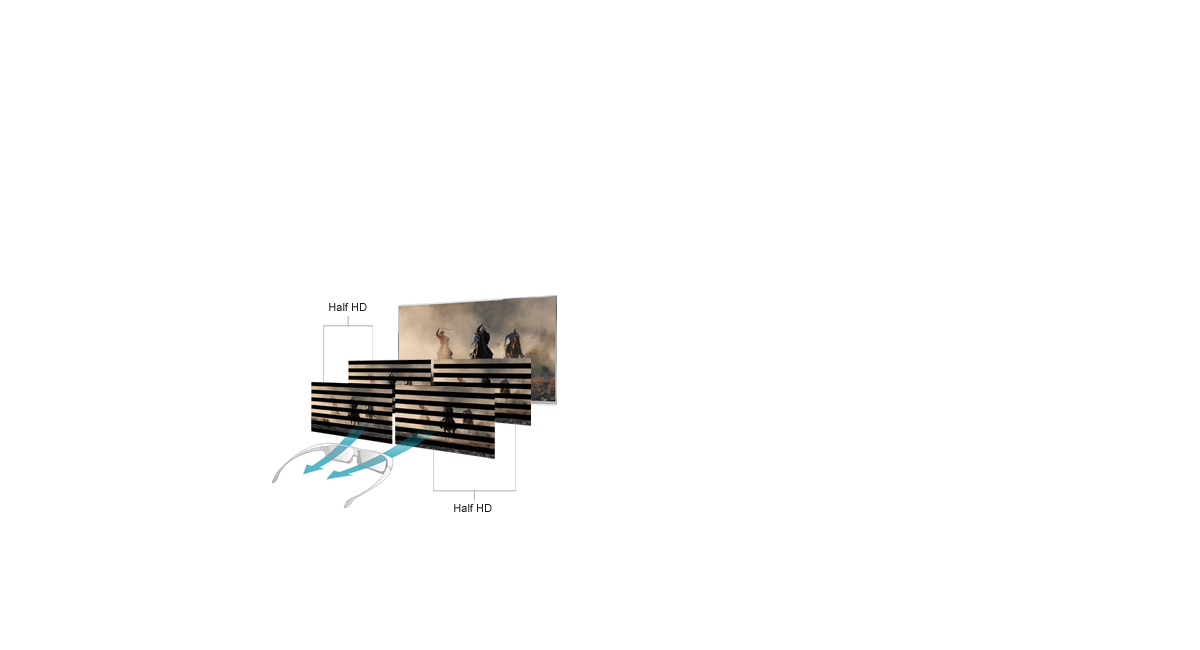
Polarized 3D Method
Excellent Comfort to Extended Viewing
Polarized 3D glasses are light and electronic control lowers the burden on the eyes even during long-time viewing. This enables comfortable 3D viewing.
2D-3D Conversion
Watch Your Favorite 2D Images in 3D
This advanced conversion technology turns virtually any 2D content into beautiful 3D images. It finely analyzes scenes from ordinary TV broadcasts or recorded programs, then adds leaping effects and depth. It creates a natural, lifelike ambience that closely matches the original content.
*When a 2D source is converted to 3D, the 3D effect is slightly less pronounced than with 3D sources.
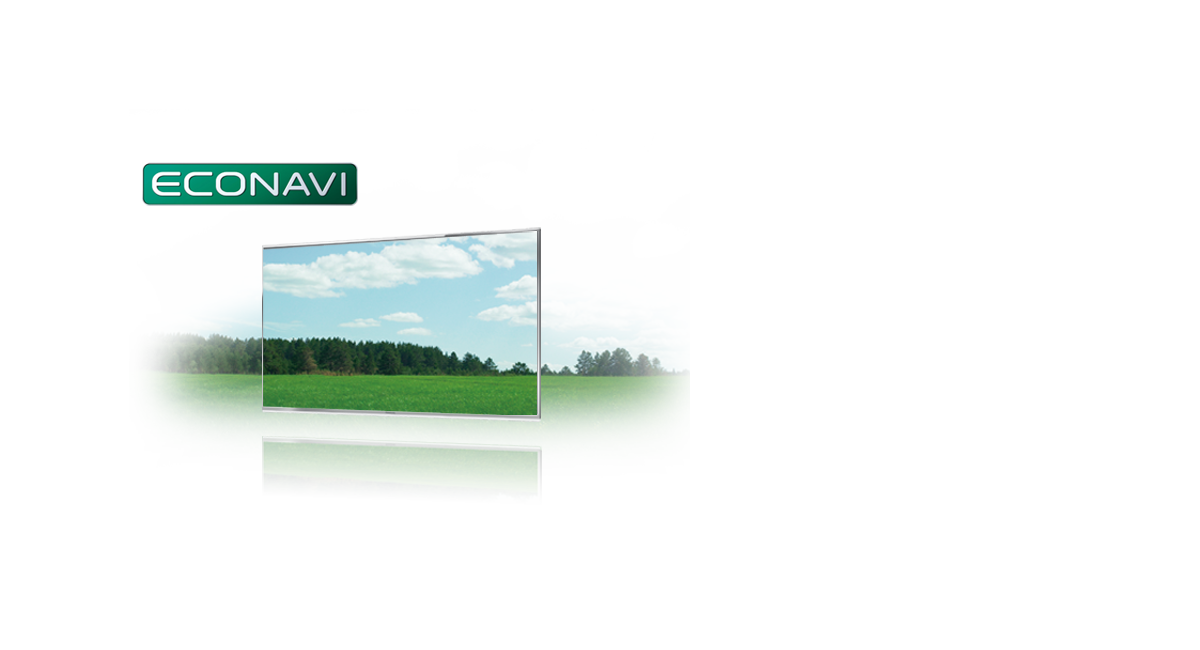
ECONAVI
Industry's Top Energy-Saving Performance
A wide aperture panel and highly efficient backlight both
improve image quality while suppressing power
consumption. Energy Star 6.0 certification has been
attained for 2013.
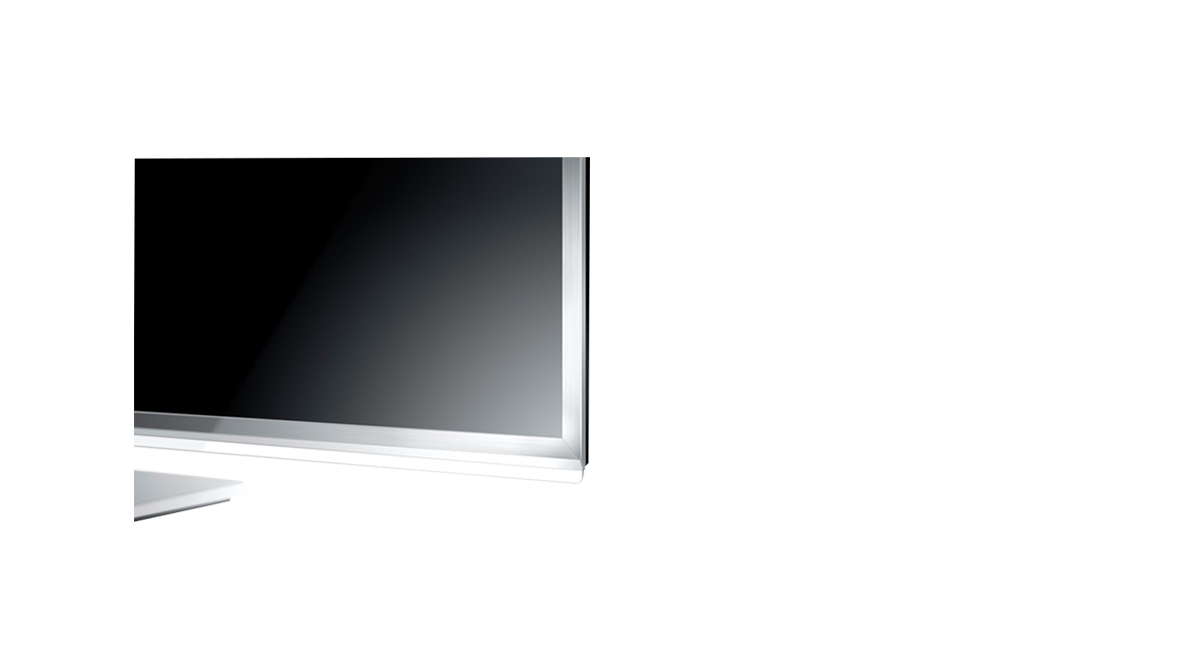
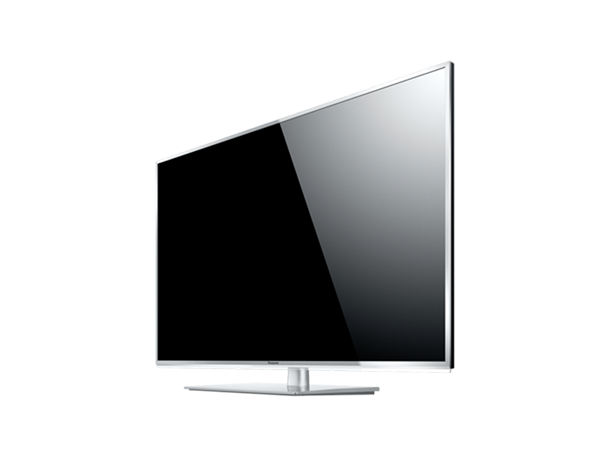
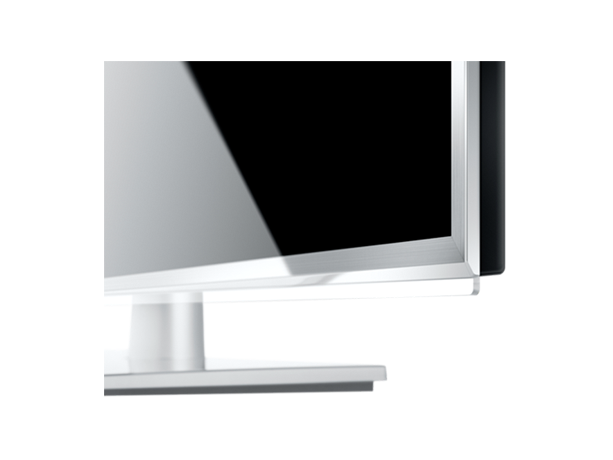
Weightless, Floating Design
Super Narrow Bezel
Cutting-edge design reflects the textural beauty of metal.